
This Google Phone Just Got Faster: This Simple Hack Speeds Up Everything
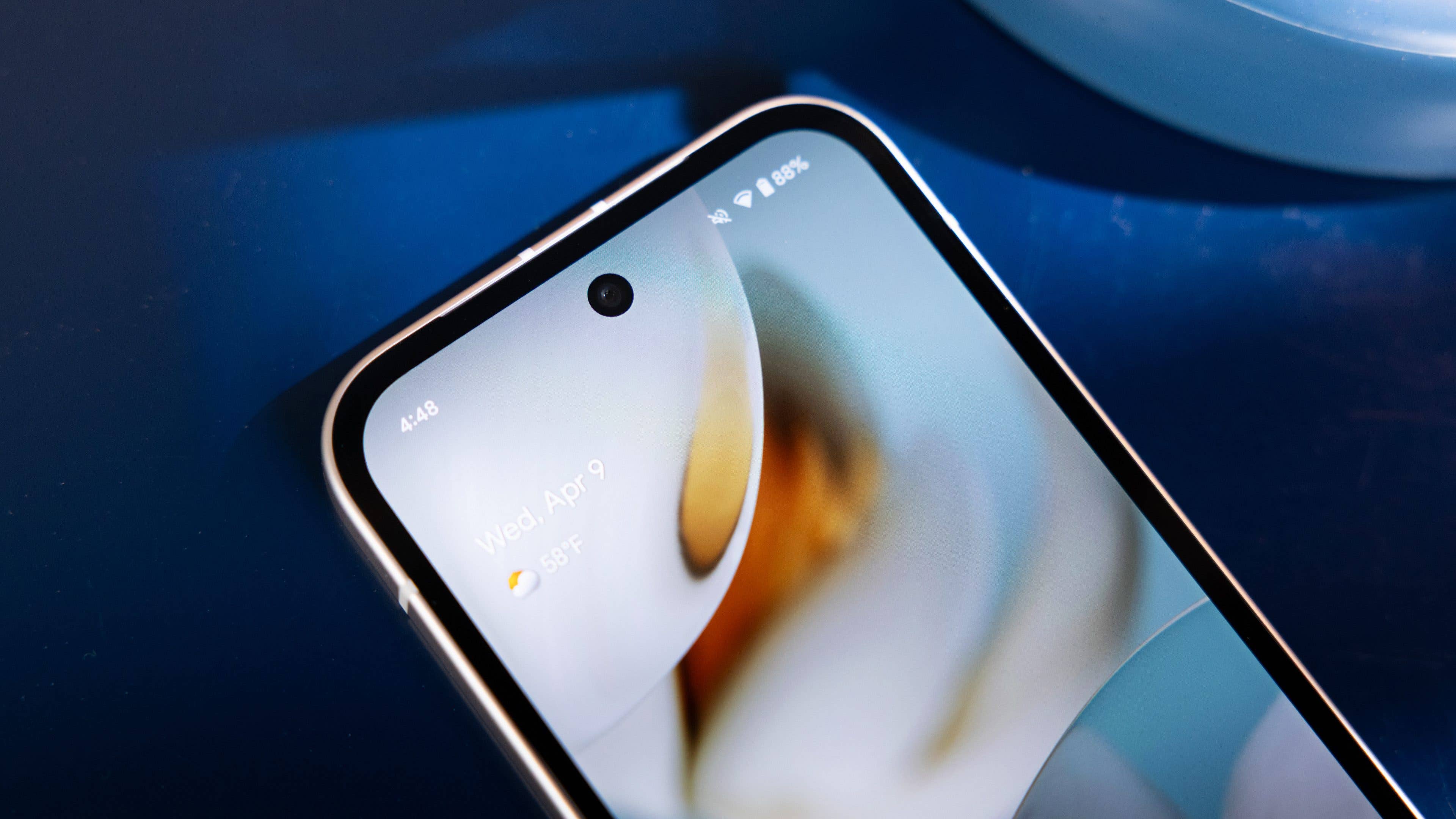
Google has quietly introduced a significant usability upgrade for the Pixel 9a. This hidden feature changes how you interact with your device by allowing for faster authentication even when the screen is completely off.
Google regularly introduces new features and tricks that either debut on or remain exclusive to the newest Pixel models. However, as long as these enhancements are not constrained by hardware, they eventually make their way to older devices. This includes the new screen-off unlock feature, which is heading to the company’s mid-range Pixel 9a for the first time.
The Screen-off Fingerprint Unlock feature debuted with the Pixel 9 series via Android 16. As the name suggests, it allows users to authenticate using the on-display fingerprint scanner while the screen is off or locked with the Always-on Display mode disabled. This significantly improves the convenience of accessing the device.
While it was initially thought that this feature required the newer ultrasonic fingerprint scanner found on the standard Pixel 9 and Pixel 10, it has now been spotted by a Reddit user on its Pixel 9a device running the latest Android 16 QPR3 (via Piunikaweb).
Will Screen-off Fingerprint Unlock Come to More Pixel Devices?
Notably, last year’s mid-range device is equipped with an optical fingerprint scanner. This confirms that the specific type of scanner is no longer a prerequisite for the feature to function.
With this development, it is likely that Google has made progress in optimizing the feature for a wider range of hardware. This suggests a strong possibility that it could be added to older devices like the Pixel 8 and Pixel 8 Pro. Some users on Reddit previously confirmed seeing the feature in earlier builds of Android 16, though it was later removed for unknown reasons.

However, there is still a chance that Google may limit the feature to devices powered by the Tensor G4 SoC or newer. If that is the case, many previous generations of Pixel phones may remain unsupported.
How to Enable Screen-off Fingerprint Unlock
If you are using a Pixel 9a, Pixel 9, or a newer model, the feature is disabled by default. To turn it on, simply follow these steps:
- Open Settings.
- Navigate to Security and privacy.
- Tap on Device unlock and then select Fingerprint.
- Toggle the feature on to start using it.
So far, there are no reports that using this feature excessively drains the battery life of Pixel devices. On my Pixel 9 Pro XL, I have been using it for some time, and it works fluidly while maintaining normal screen-on time.
Which new features would you like to see arrive on your Pixel phone next? Let us know in the comments.
Would you like me to create a set of social media posts to share this “stealthy” update with your followers?
We mark partner links with this symbol. If you click on one of these links or buttons–or make a purchase through them–we may receive a small commission from the retailer. This doesn’t affect the price you pay, but it helps us keep nextpit free for everyone. Thanks for your support! Prices are based on the date of publication of this article and may be subject to change.
What did you think of this news? Leave a comment below and/or share it on your social media. This way, we can inform more people about the hottest things in technology, science, innovation, and gaming!
This news was originally published in:
Original source
